
I Noticed a Problem, How Do I Report It?
If something’s not working quite right on the site, or you’ve spotted a bug, we’d love to hear about it. Your feedback helps us keep things running smoothly so you can focus on what matters most: making music! There are a few ways to let us know:
🏳️ The Report Button
On any lesson page, the button furthest to the right is our "Report Button".

Once you click it, our Report Window will pop up on your screen. Here you can select what kind of issue it is from a list that includes: "The lesson image, title or description is incorrect", "Video issue", "An issue with lesson assignment", or "Other".
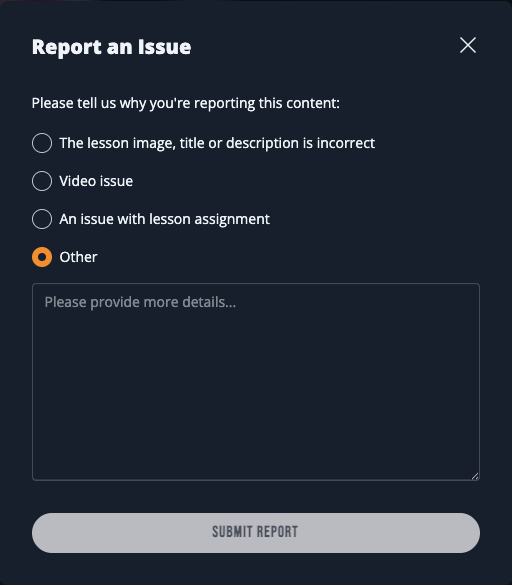
Once you're done, hit "Submit Report" to send a message to our support team about this issue.
🌐 Musora.com/Contact
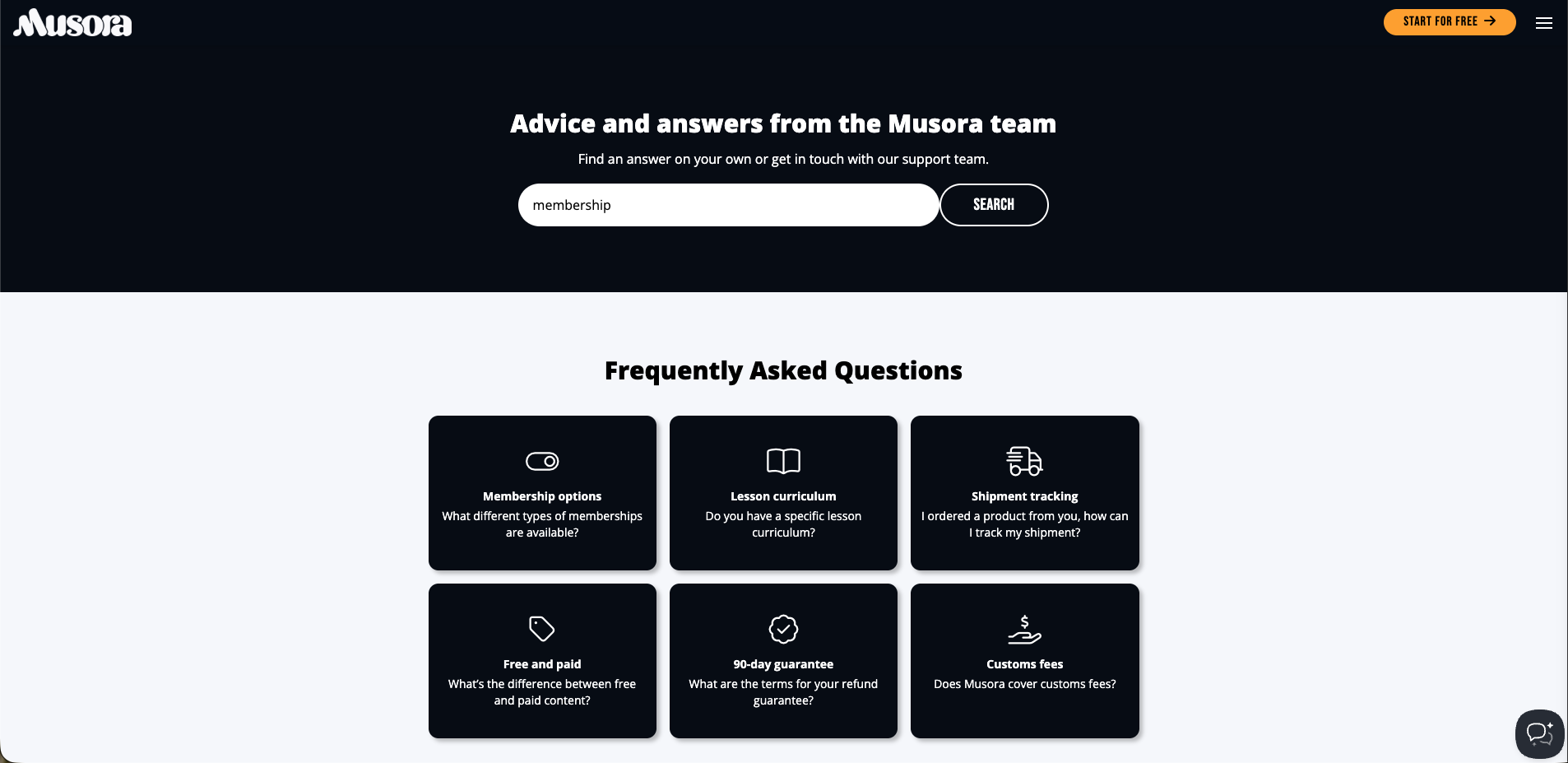
This is our main FAQ page. Here you can search through all of our Frequently Asked Questions for any answers your looking forward to. In the bottom right corner of the main page is our Support Panel.
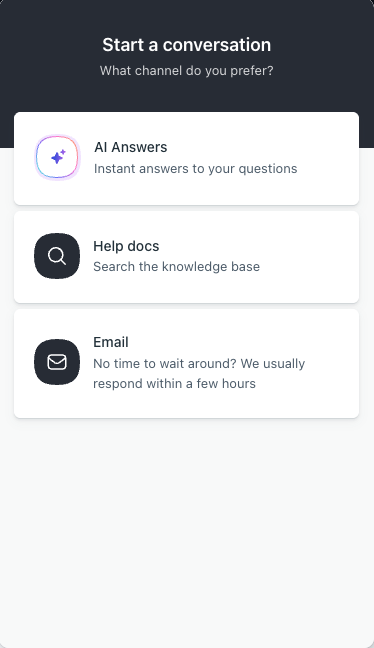
Here you can either search our FAQ database, ask our AI for answers based on other questions we've answered, or email us directly with your questions.
No matter how you reach out, our Support Team is standing by to help get things sorted quickly, so you can get back to your practice session with confidence.
💬 Need Help?
Still have questions? Something not look quite right? Our Support Team is a click away and always ready to help. Reach out anytime support@musora.com